Support
Help with your Field One
Guides written by the people who build the camera, and a support team in Dubai that replies the same working day.
Find what you need
-
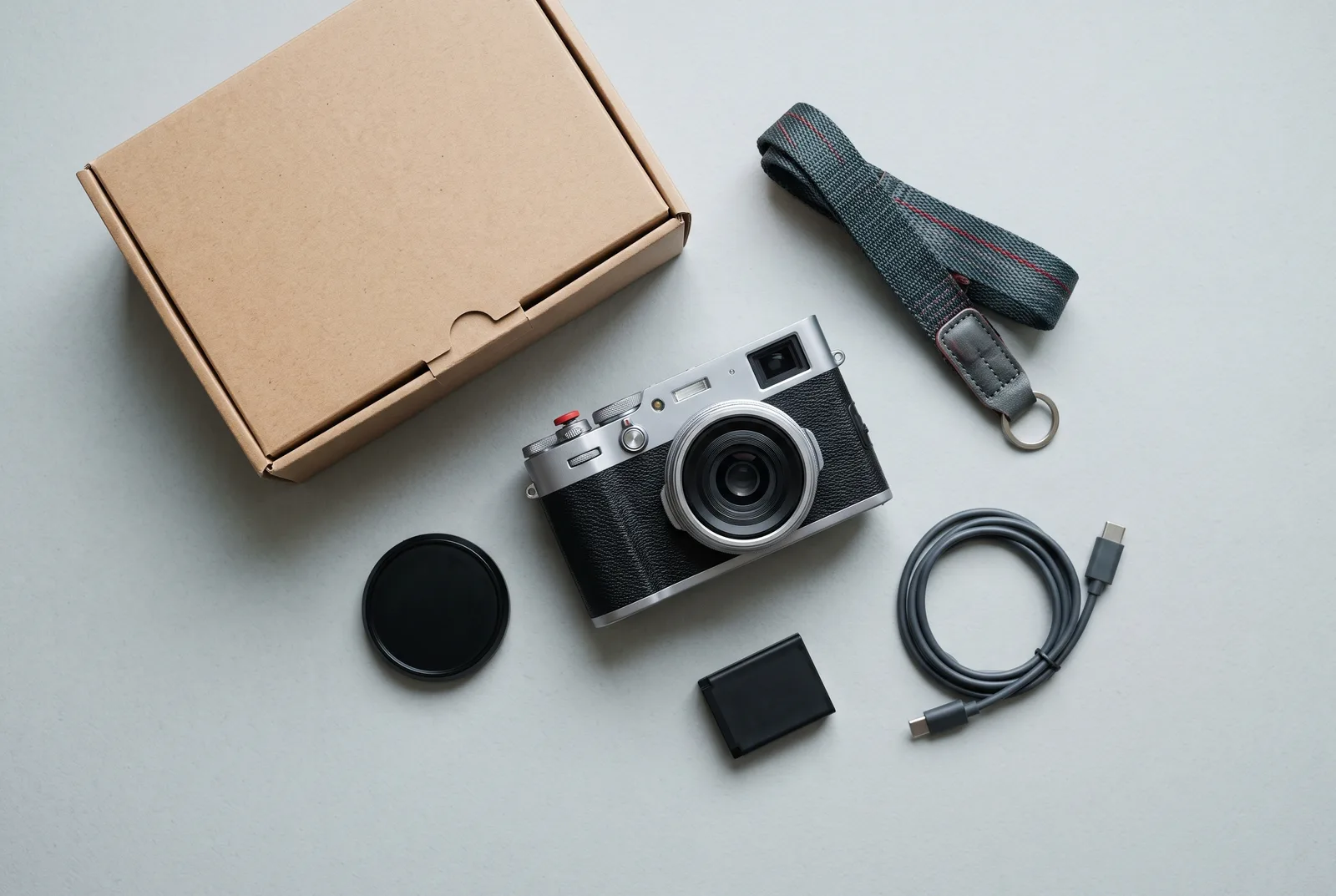
Getting started
Charge, insert a card, set the time from the app and take your first photo in ten minutes.
-
Online manual
Every control, setting and menu in the app, explained in plain language.
-
Firmware
The current version, what changed, and how to update over Wi-Fi or from a card.
-
Repairs and servicing
Send it to our workshop. Free under warranty, fixed prices after.
-
Returns and warranty
30 days to return it, two years of cover, and your legal rights.
Before you get in touch
Most questions are answered in the manual or the FAQ. If your camera is behaving oddly, try the simplest fix first: take the battery out for ten seconds and put it back. That resets the camera without losing your settings.
If that doesn’t help, email support@halde.ae with your serial number (under the battery door) and, if you can, a photo that shows the problem. Leila or one of the team will reply within one working day, Monday to Friday, in English or Arabic.
Common questions
The camera won’t switch on.
Charge it for 20 minutes over USB-C; the top display shows a charging symbol. If nothing appears, check the battery is inserted with the contacts facing the lens.
The rangefinder images don’t line up at infinity.
Rangefinders can shift after a hard knock. Send it to us for calibration, which is free under warranty and AED 350 afterwards.
The app can’t find my camera.
Turn Wi-Fi on with the Fn button held for two seconds; the top display shows a small W. Make sure the app has permission to use your phone’s local network.
Which SD cards work best?
Any UHS-I or UHS-II card from 32 GB to 512 GB. A 64 GB card holds about 1,800 raw files plus JPEGs.
Still stuck?
Email our support team in Dubai. Include your serial number and we’ll reply within one working day.